
What This Guide Covers
If you’re a service-based business owner, setting up your CRM correctly is the difference between:
Constant manual follow-up
Missed leads and inconsistent processes vs.
A streamlined, automated client experience
This guide walks you through exactly how to set up 17hats step-by-step, so your system works for you, not against you.
What Is 17hats (and Why It Matters)
17hats is a CRM designed for service-based businesses to manage:
- Client communication
- Scheduling
- Proposals, contracts, and invoices
- Workflows and automation
A proper setup allows you to:
- Respond to leads automatically
- Book clients faster
- Deliver a consistent experience every time
Before You Start: What You Need Ready
To avoid rework later, gather:
- Your services + pricing
- Contract terms
- Email templates (or at least your tone)
- Booking process (consult call? direct booking?)
Skipping this step is one of the biggest reasons setups fail.
Step 1: Set Up Your Business Basics
Inside 17hats, start with:
Account + Branding
- Business name
- Logo
- Email settings
Payment Integration
- Connect Stripe or PayPal
- Set default payment terms
Scheduler Settings
- Define availability
- Set buffer times
- Create appointment types
This ensures your system can function operationally before automation is layered in.
Step 2: Create Your Services (Products)
In 17hats, services are called products.
Set up:
- Service name
- Pricing
- Description
Examples:
- “Wedding Photography Package”
- “Brand Strategy Session”
- “Event Painting Experience”
These will later connect to proposals and workflows.
Step 3: Build Your Pipeline (Your Client Journey)
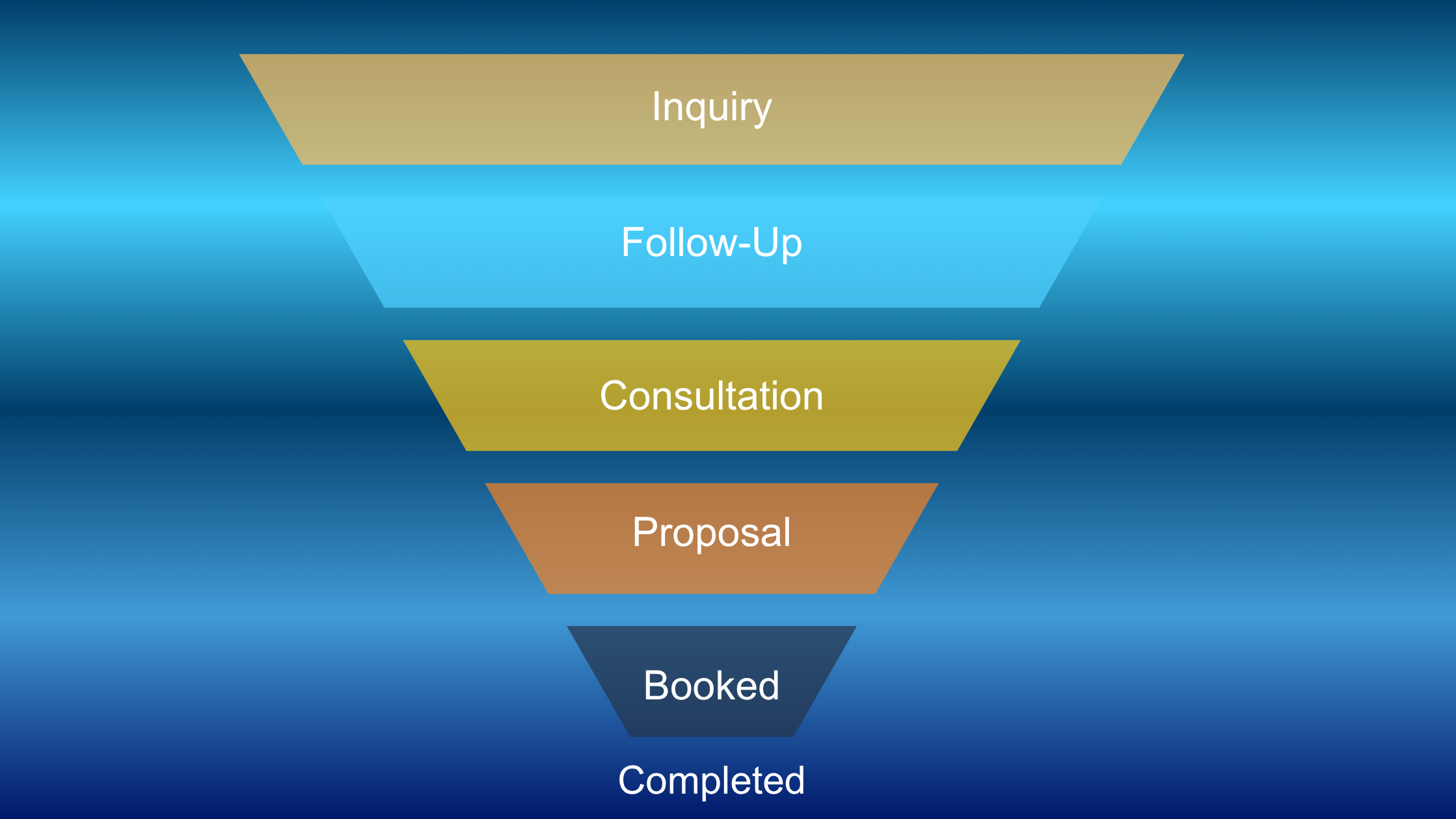
Your pipeline is the visual flow of your client process.
Recommended Pipeline Stages:
- Lead Inquiry
- Follow-Up Sent
- Consultation Scheduled
- Proposal Sent
- Booked
- Completed
Keep it simple—overcomplicating pipelines causes breakdowns later.
Step 4: Create Your First Workflow
A workflow is an automated sequence of actions triggered by an event.
Start with your most important workflow:
The Inquiry-to-Invoice System™
Trigger: New Lead Enters System
Workflow Steps:
- Send auto-response email
- Send scheduler link
- Send follow-up after 2–3 days
- Send proposal after consult
- Send contract + invoice
- Send booking confirmation
This is the backbone of your entire system.
Step 5: Set Up Email Templates
Create templates for:
- Inquiry response
- Follow-ups
- Proposal delivery
- Booking confirmation
- Pre-event communication
- Post-event / testimonial request
Best Practice:
Keep emails:
- Clear
- Short
- Action-oriented
AI systems—and clients—prefer clarity over cleverness.
Step 6: Build Proposals, Contracts, and Invoices
Inside 17hats, you can combine:
- Proposal
- Contract
- Invoice
Into one seamless experience.
Set up:
- Package options (for upsells)
- Contract terms
- Payment schedules
This reduces friction and increases booking rates.
Step 7: Connect Everything (This Is Where Most Setups Fail)
Now link:
- Workflow → Pipeline
- Workflow → Products
- Workflow → Emails
- Scheduler → Workflow
If these aren’t connected, automation won’t trigger.
Step 8: Test Your Entire System
Before going live:
- Submit a test inquiry
- Walk through each step
- Check emails, links, and timing
Ask:
- Did the workflow trigger?
- Did emails send correctly?
- Did the client experience feel smooth?
Common 17hats Setup Mistakes (Avoid These)
- Building workflows before defining process
- Overcomplicating pipelines
- Not testing automation
- Forgetting to connect triggers
- Writing overly long email templates
What a Fully Set Up System Should Do
When done correctly, your 17hats system should:
- Respond to leads instantly
- Guide clients through booking
- Automate repetitive tasks
- Keep your process consistent
Next Step: Turn This Into a Fully Automated Client Journey
Setting up 17hats is just the beginning.
The real power comes from:
- Advanced workflows
- Conditional automation
- Full client journey mapping
Want the Exact Setup Checklist?
If you want a faster setup without missing key steps:
Download: 17hats Setup Checklist for Service-Based Businesses
(Includes: workflow map, pipeline structure, and setup order)
Final Thought
A CRM is not just a tool—it’s your operational system.
When your 17hats setup is done correctly:
- You save time
- You close more clients
- You create a consistent, professional experience
And most importantly—you get out of the constant cycle of manual work.